ভূমিকা
The Rode WS2 Wind Shield is designed to provide additional protection for your microphone capsule, effectively reducing wind noise and plosives during recording. This accessory is compatible with a range of Rode microphones, ensuring clearer audio capture.
Compatible microphones include: K2, NTK, NT2000, NT2-A, NT1000, NT1-A, NT1-A Matched Pair, Podcaster, Procaster, and Broadcaster microphones.
সেটআপ
Installing the Rode WS2 is a straightforward process. The foam windshield is designed to slip directly over the microphone capsule, providing immediate protection without requiring any tools or complex assembly.
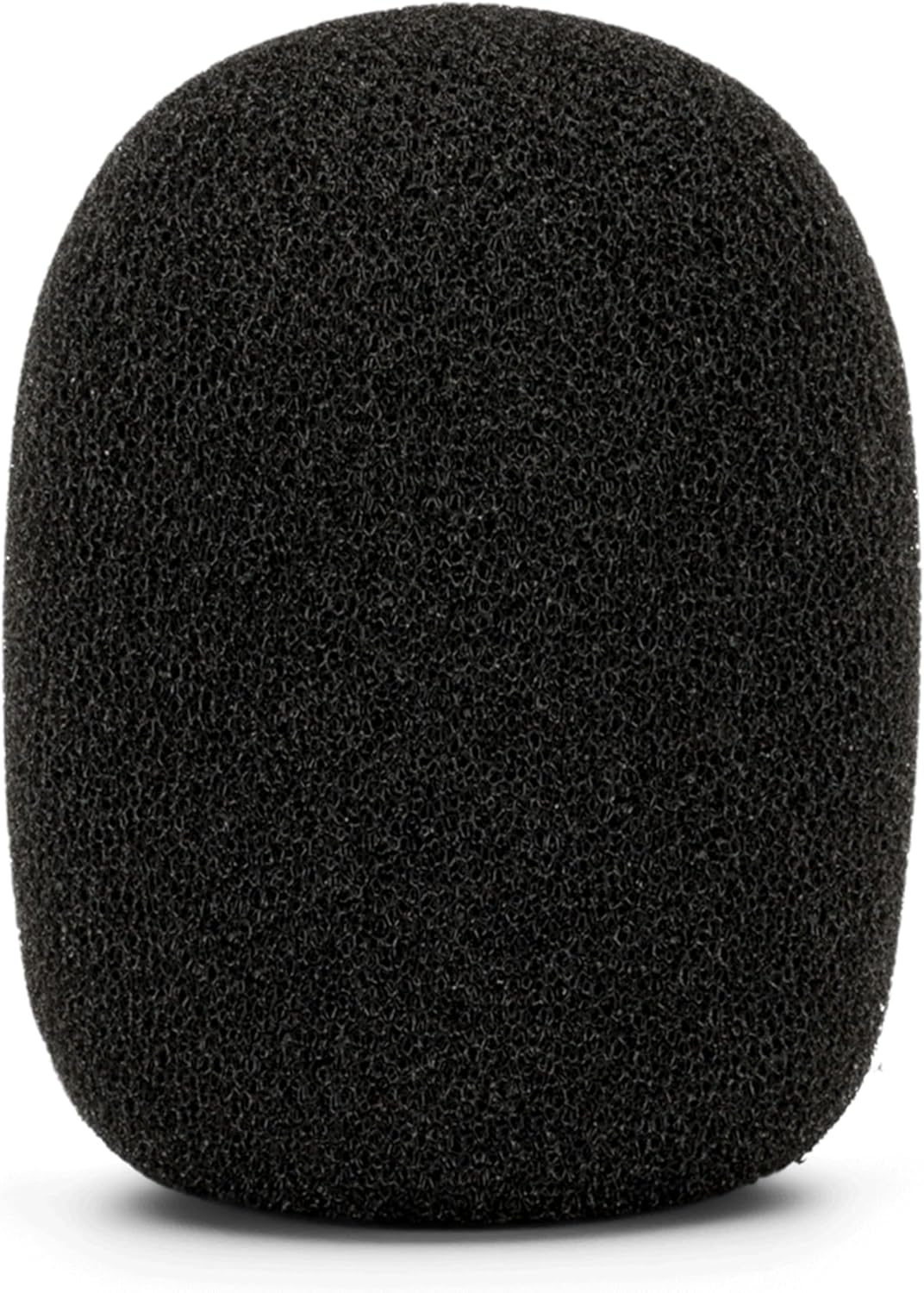
To install, gently stretch the opening of the WS2 and slide it over the microphone's grille until it securely covers the capsule. Ensure the fit is snug but not overly tight to avoid damaging the microphone or the windshield.
অপারেটিং নির্দেশাবলী
Once installed, the Rode WS2 works automatically to filter out unwanted sounds. For optimal performance, position your microphone at an appropriate distance from the sound source, typically 6-12 inches for vocals, to balance clarity and plosive reduction.
The high-density foam construction of the WS2 is effective in diffusing air blasts from plosive sounds (like 'p' and 'b') and reducing ambient wind noise, leading to a cleaner audio signal.
রক্ষণাবেক্ষণ
To ensure the longevity and effectiveness of your Rode WS2, follow these simple maintenance guidelines:
- পরিষ্কার করা: Gently remove any dust or debris from the foam using a soft brush or by lightly tapping it. For deeper cleaning, hand wash with mild soap and cool water, then rinse thoroughly.
- শুকানো: Allow the windshield to air dry completely before reattaching it to your microphone. Do not use heat sources, as this can damage the foam material.
- সঞ্চয়স্থান: When not in use, store the WS2 in a clean, dry place away from direct sunlight and extreme temperatures to prevent material degradation.
সমস্যা সমাধান
If you experience persistent plosives or wind noise despite using the WS2, consider the following:
- মাইক্রোফোন বসানো: Experiment with adjusting the distance between your mouth and the microphone. Moving slightly further away can sometimes further reduce plosives.
- Speaking Angle: Try speaking slightly off-axis (not directly into the microphone) while maintaining consistent volume. This can help direct air blasts away from the capsule.
- পরিবেশ: Assess your recording environment for strong air currents (e.g., fans, open windows). While the WS2 is effective, extreme conditions may require additional acoustic treatment.
- Condition of WS2: Inspect the foam for any tears or damage that might compromise its effectiveness. Replace if necessary.
স্পেসিফিকেশন
| ওজন | 10g (0.353 আউন্স) |
| মাত্রা (H x W x D) | ৮৫ মিমি x ৩৫ মিমি x ২০ মিমি (প্রায় ৩.৩৫ x ১.৩৮ x ০.৭৯ ইঞ্চি) |
| উপাদান | Open Cell Foam, Premium Artificial Fur |
| রঙ | কালো |
| সামঞ্জস্যপূর্ণ মাইক্রোফোন | K2, NTK, NT2000, NT2-A, NT1000, NT1-A, NT1-A Matched Pair, Podcaster, Procaster, Broadcaster |
ওয়্যারেন্টি এবং সমর্থন
The Rode WS2 is designed for durability and performance. For information regarding warranty coverage and support, please refer to the official Rode Microphones website or contact their customer service directly. EU spare part availability duration is 2 years.


