ভূমিকা
এই ম্যানুয়ালটি আপনার ডিভাইসের সেটআপ, পরিচালনা, রক্ষণাবেক্ষণ এবং সমস্যা সমাধানের জন্য বিস্তারিত নির্দেশাবলী প্রদান করে ViewSonic VP2768a 27-inch IPS 1440p Monitor. Please read this manual thoroughly before using your monitor to ensure proper functionality and to maximize your viewঅভিজ্ঞতা।
1. সেটআপ
২.১ বাক্সে কী আছে
প্যাকেজিংয়ে সমস্ত উপাদান উপস্থিত আছে কিনা তা যাচাই করুন:
- VP2768a ডিসপ্লে
- পাওয়ার ক্যাবল
- ডিপি থেকে ডিপি কেবল
- ইউএসবি টাইপ সি কেবল
- USB Type B Uplink Cable
- দ্রুত শুরু নির্দেশিকা
- কারখানার ক্যালিব্রেটেড রিপোর্ট

Figure 1: Contents of the ViewSonic VP2768a monitor box. Includes the monitor, power cable, DisplayPort cable, USB-C cable, USB-B uplink cable, quick start guide, and factory calibration report.
Video 1: Unboxing the ViewSonic VP2768a 27-inch QHD Professional Display. This video demonstrates the unboxing process and highlights the included accessories.
৩.১ মনিটর অ্যাসেম্বলি
The monitor stand is designed for easy assembly. The stand column is pre-attached to the display. To attach the base:
- Carefully remove the monitor from its packaging, keeping the display protected.
- Locate the stand base and align it with the bottom of the stand column.
- Secure the base to the column, typically by tightening a captive screw on the underside of the base. This is a tool-less design, allowing for hand-tightening.
- Once assembled, carefully place the monitor on a stable, flat surface.
Video 2: Monitor assembly demonstration. This video shows how to attach the monitor base to the stand column.
৩.২ আপনার মনিটর সংযুক্ত করা
The VP2768a offers versatile connectivity options. Ensure your computer is powered off before making any connections.
- পাওয়ার সংযোগ: Connect the provided power cable to the monitor's power input and then to a power outlet.
- USB-C সংযোগ: For a simplified setup, connect your laptop or device to the monitor using the supplied USB Type-C cable. This single cable can deliver video, audio, data, and up to 90W of power to charge your connected device.
- ডিসপ্লেপোর্ট সংযোগ: Use the provided DisplayPort (DP to DP) cable to connect your computer's DisplayPort output to the monitor's DisplayPort input for high-resolution video.
- HDMI সংযোগ: Alternatively, connect your computer's HDMI output to the monitor's HDMI 1.4 input using an HDMI cable (not included).
- USB Type B Uplink: If not using USB-C, connect the USB Type B Uplink cable from your computer to the monitor to enable the monitor's integrated USB Type A ports.
- RJ45 ইথারনেট: Connect an Ethernet cable to the monitor's RJ45 port for a stable wired network connection, especially useful when using USB-C with a laptop.

চিত্র 2: পিছন view of the monitor highlighting the connectivity ports. This includes HDMI 1.4, DisplayPort In, DisplayPort Out (DaisyChain), 2x USB Type A, 1x USB Type B, 1x 65W Powered USB Type C, and 1x Ethernet LAN (RJ45).
৪. আপনার মনিটর পরিচালনা করা
2.1 Power On/Off and OSD Menu
To power on the monitor, press the power button, usually located on the backside or bottom edge. The On-Screen Display (OSD) menu allows you to adjust various settings such as brightness, contrast, color modes, and input sources. The OSD menu buttons are located on the backside of the monitor for a clean front bezel design.
৪.৩ এরগনোমিক সমন্বয়
The VP2768a features an advanced ergonomic stand for optimal viewআরাম
- উচ্চতা সামঞ্জস্য: চোখের স্তরে ডিসপ্লেটি উপরে বা নীচে নামিয়ে দিন।
- কাত: Adjust the screen's vertical angle to reduce glare and improve viewing
- সুইভেল: Rotate the screen horizontally to share content or adjust your viewআইএন কোণ
- পিভট: Rotate the screen 90 degrees for portrait mode, ideal for document viewআইএন বা web ব্রাউজিং
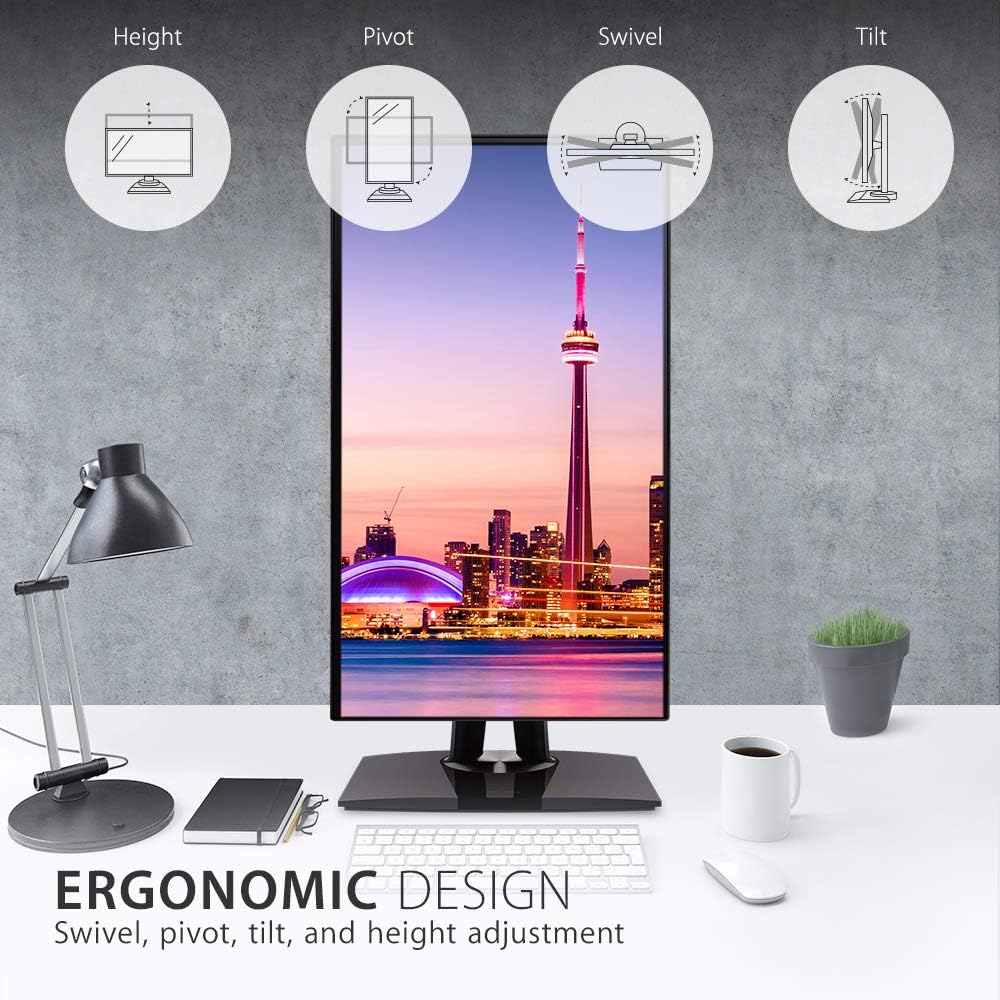
Figure 3: Ergonomic design features of the monitor, illustrating height, pivot, swivel, and tilt adjustments.
৪.৩ রঙের নির্ভুলতা এবং ক্রমাঙ্কন
This monitor is designed for professional color-critical applications:
- কারখানা ক্রমাঙ্কন: Each monitor is factory calibrated to achieve an impressive Delta E<2 value, ensuring high color accuracy right out of the box.
- Color Spaces: Supports 100% sRGB, EBU, SMPTE-C, Rec. 709, and DICOM-SIM color spaces.
- 14-bit 3D LUT: A 14-bit 3D Look-Up Table generates a smooth palette of 4.39 trillion colors for precise color reproduction.
- 6-Axis Color Adjustment: Provides advanced control over color settings.
- রঙ অভিন্নতা: An integrated function ensures consistent chromaticity across the entire screen.
- হার্ডওয়্যার ক্রমাঙ্কন: For the most precise color management, hardware calibration is available with the optional ViewSonic Colorbration Kit (sold separately).
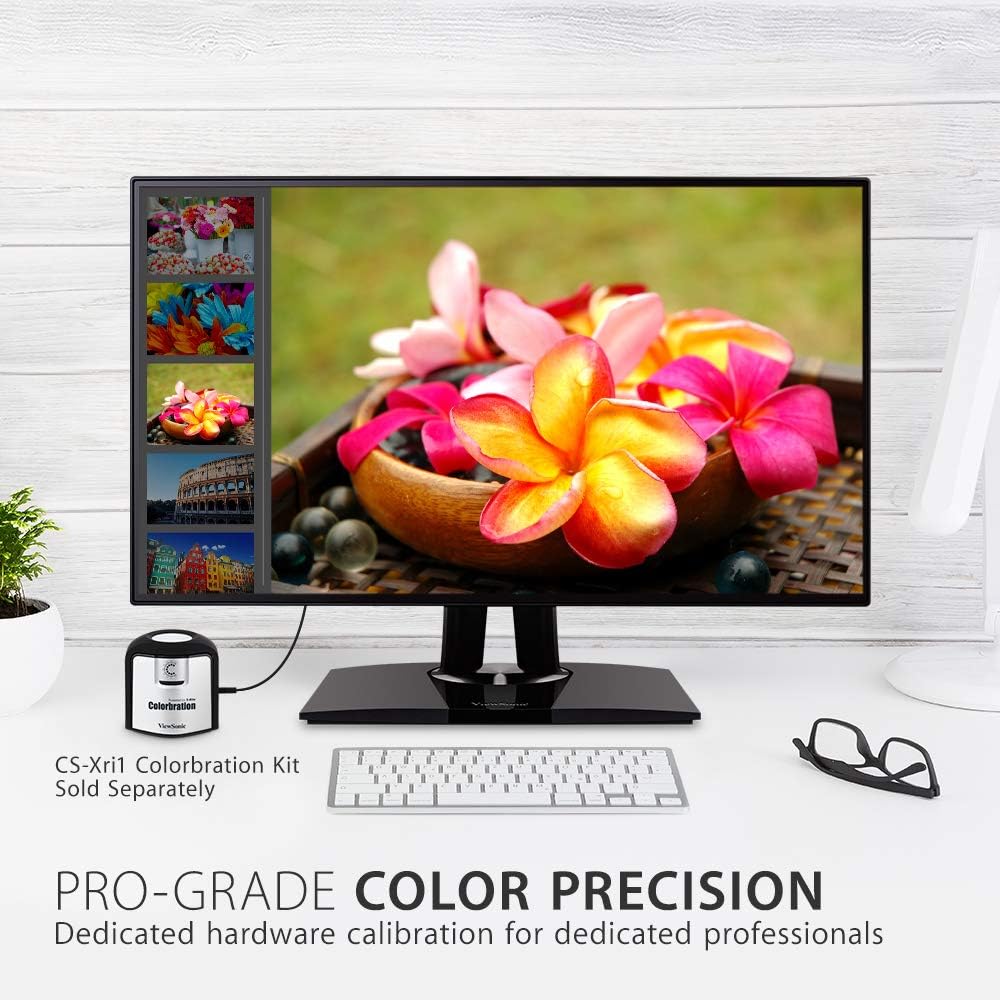
চিত্র ৬: মনিটরের প্রদর্শনীasing its color precision, with an optional Colorbration Kit for hardware calibration.
৪.৫ চোখের যত্ন প্রযুক্তি
The monitor incorporates Flicker-Free technology and a Blue Light Filter to minimize eye strain and fatigue during extended use.
2.5 Daisy Chaining
The DisplayPort out feature allows for seamless daisy-chaining of multiple monitors. Connect your primary monitor to your computer via DisplayPort, then connect the primary monitor's DisplayPort out to the DisplayPort in of a second monitor. This reduces cable clutter and simplifies multi-monitor setups.
2.6 USB-C Docking Functionality
The USB-C port on the VP2768a acts as a powerful docking station. A single USB-C cable from your laptop can provide:
- 90W পাওয়ার ডেলিভারি: আপনার সংযুক্ত ল্যাপটপ বা ডিভাইস চার্জ করে।
- ভিডিও সংকেত: Transmits high-resolution video to the monitor.
- অডিও সংকেত: Transmits audio.
- ডেটা স্থানান্তর: Enables data transfer for connected USB peripherals.
- RJ45 ইথারনেট: Provides a stable wired network connection through the monitor's integrated Ethernet port.

Figure 5: USB-C connectivity for power, video, audio, and data, simplifying your workspace.
3. রক্ষণাবেক্ষণ
To maintain the performance and appearance of your monitor:
- পর্দা পরিষ্কার করা: নরম, লিন্ট-মুক্ত কাপড় দিয়ে আলতো করে পর্দাটি মুছুন। একগুঁয়ে দাগের জন্য, হালকাভাবে ঘষুন।ampজল বা বিশেষায়িত স্ক্রিন ক্লিনার দিয়ে কাপড়টি ধুয়ে ফেলুন। কঠোর রাসায়নিক বা ঘষিয়া তুলিয়া ফেলিতে সক্ষম পদার্থ ব্যবহার এড়িয়ে চলুন।
- সি পরিষ্কার করাasing: মনিটরটি মুছতে একটি নরম, শুকনো কাপড় ব্যবহার করুন।asing.
- বায়ুচলাচল: অতিরিক্ত গরম হওয়া রোধ করার জন্য মনিটরের বায়ুচলাচলের ছিদ্রগুলি বন্ধ না থাকে তা নিশ্চিত করুন।
4. সমস্যা সমাধান
4.1 No Image or Intermittent Display
- শক্তি পরীক্ষা করুন: নিশ্চিত করুন যে পাওয়ার কেবলটি মনিটর এবং পাওয়ার আউটলেট উভয়ের সাথেই নিরাপদে সংযুক্ত।
- Check Video Cables: Verify that the video cable (USB-C, DisplayPort, or HDMI) is firmly connected to both the monitor and your computer.
- ইনপুট উত্স: মনিটরের OSD মেনুতে সঠিক ইনপুট উৎস নির্বাচন করা হয়েছে কিনা তা নিশ্চিত করুন।
- USB-C Connectivity Issues: Some users have reported intermittent display cut-outs or erratic behavior when using USB-C with other USB devices. If you experience this, try using a different USB-C cable, or connect via DisplayPort/HDMI and use a separate USB hub for peripherals.
4.2 Color or Brightness Issues
- ওএসডি সেটিংস: Access the OSD menu to adjust brightness, contrast, and color settings.
- ফ্যাক্টরি রিসেট: If color issues persist, consider performing a factory reset through the OSD menu.
- ক্রমাঙ্কন: For professional use, ensure your monitor is properly calibrated using the factory calibration report or an optional hardware calibration kit.
5. স্পেসিফিকেশন
| বৈশিষ্ট্য | বিস্তারিত |
|---|---|
| পর্দার আকার | 27 ইঞ্চি |
| রেজোলিউশন | QHD ওয়াইড ১৪৪০পি (২৫৬০ x ১৪৪০পিক্সেল) |
| প্যানেলের ধরন | আইপিএস |
| আকৃতির অনুপাত | 16:9 |
| কালার গামুট | 100% sRGB, Rec. 709 |
| রঙ নির্ভুলতা | ডেল্টা ই <2 |
| উজ্জ্বলতা | 350 নিট (সাধারণ) |
| সংযোগ | 1x HDMI 1.4, 1x DisplayPort In, 1x DisplayPort Out (DaisyChain), 2x USB Type A, 1x USB Type B, 1x 90W USB Type C, 1x Ethernet LAN (RJ45) |
| এর্গোনমিক্স | উচ্চতা, কাত, সুইভেল, পিভট |
| চোখের যত্ন | Flicker-Free Technology, Blue Light Filter |
| আইটেম ওজন | 15.17 পাউন্ড |
| পণ্যের মাত্রা | 16.1 x 8.5 x 24.1 ইঞ্চি |
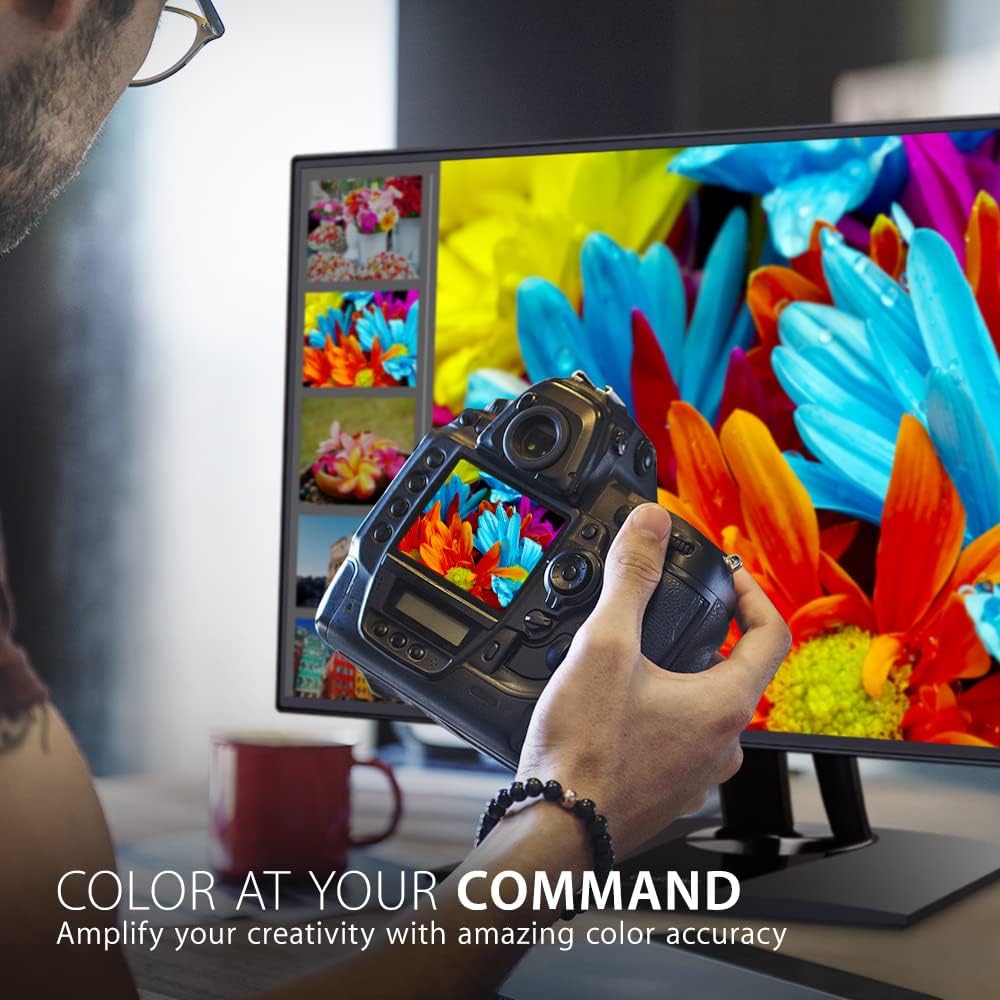
Figure 6: Key dimensions of the ViewSonic VP2768a monitor.
6. ওয়্যারেন্টি এবং সমর্থন
আপনার ViewSonic VP2768a monitor comes with a 3-year warranty. For technical assistance or warranty claims, please contact ViewSonic customer support. US-based customer support is available to assist you with any product-related inquiries.

চিত্র 7: ওভারview of ViewSonic's commitment to warranty, support, and product features.