ভূমিকা
This manual provides comprehensive instructions for the setup, operation, and maintenance of your Trust Gaming GXT 833 Thado TKL RGB Gaming Keyboard. Please read this manual carefully to ensure optimal performance and longevity of your device.
মূল বৈশিষ্ট্য:
- Compact Tenkeyless (TKL) design, reducing desk space usage.
- Multi-color LED illumination with breathing effect.
- Anti-ghosting support for up to 10 simultaneous key presses.
- Durable metal backplate with anti-slip rubber feet for stability.
- 12 multimedia hotkeys for quick access.
- Dedicated gaming mode to disable the Windows key.
- 1.8m braided USB cable for reliable connection.

Image: The compact tenkeyless design of the GXT 833 Thado keyboard, illustrating its smaller footprint compared to full-size keyboards.
প্যাকেজ বিষয়বস্তু
প্যাকেজে সমস্ত জিনিসপত্র আছে কিনা তা নিশ্চিত করুন:
- Trust Gaming GXT 833 Thado TKL RGB Gaming Keyboard
- ইউএসবি কেবল (ইন্টিগ্রেটেড)
- ব্যবহারকারী ম্যানুয়াল (এই দস্তাবেজ)
সেটআপ
কীবোর্ড সংযোগ করা হচ্ছে:
- Locate an available USB port on your computer or gaming console.
- কীবোর্ডের USB সংযোগকারীটি USB পোর্টে প্লাগ করুন।
- The operating system will automatically detect and install the necessary drivers. No additional software installation is typically required for basic functionality.
- সফল সংযোগের পরে কীবোর্ডের RGB আলো আলোকিত হবে।

Image: The Trust Gaming GXT 833 Thado TKL RGB Gaming Keyboard with its integrated USB cable, ready for connection.
অপারেটিং নির্দেশাবলী
Basic Keyboard Functions:
The GXT 833 Thado functions as a standard QWERTY keyboard. All keys perform their indicated character or function when pressed.
আরজিবি আলো নিয়ন্ত্রণ:
The keyboard features multi-color LED illumination. While the lighting is static in its color zones, you can adjust its brightness and activate a breathing effect.
- উজ্জ্বলতা সামঞ্জস্য: Use the dedicated brightness keys (often combined with Function keys or specific media keys) to increase or decrease the LED brightness. Refer to the keyboard layout for specific key combinations.
- শ্বাস-প্রশ্বাসের প্রভাব: Activate or deactivate the breathing light effect using the designated key combination.
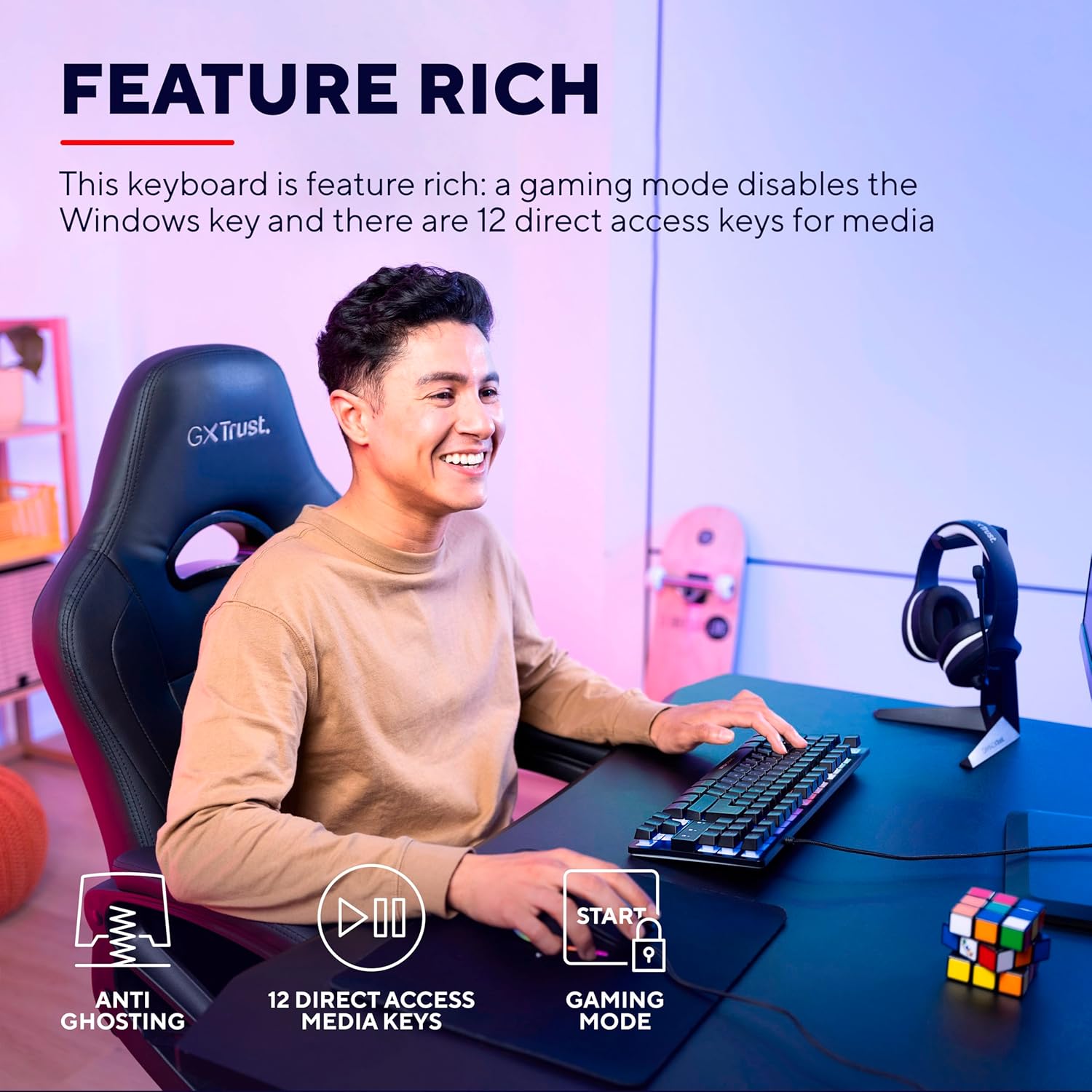
Image: The keyboard displaying its multi-color LED lighting zones.
মাল্টিমিডিয়া হটকি:
The keyboard includes 12 multimedia hotkeys, typically accessed by pressing the Fn key in combination with the F1-F12 keys. These keys allow quick control over media playback, volume, and other system functions.
- Fn + F1-F12: Refer to the icons printed on the F-keys for their specific multimedia functions (e.g., play/pause, stop, previous/next track, volume up/down, mute).
গেমিং মোড:
Activate Gaming Mode to prevent accidental interruptions during gameplay. This mode typically disables the Windows key.
- Activating Gaming Mode: চাপুন Fn key combined with the Windows key (often indicated by a lock icon) to toggle Gaming Mode on or off.

Image: Visual representation of the keyboard's features including anti-ghosting, multimedia keys, and gaming mode.
রক্ষণাবেক্ষণ
কীবোর্ড পরিষ্কার করা:
- পরিষ্কার করার আগে আপনার কম্পিউটার থেকে কীবোর্ডটি সংযোগ বিচ্ছিন্ন করুন।
- একটি নরম ব্যবহার করুন, সামান্য ঘamp cloth to wipe the surface of the keyboard. Avoid excessive moisture.
- চাবির মধ্যে ধুলো এবং ধ্বংসাবশেষের জন্য, সংকুচিত বাতাস বা নরম ব্রাশ ব্যবহার করুন।
- Do not use harsh chemicals, abrasive cleaners, or solvents, as these can damage the keyboard's finish and key legends.
সমস্যা সমাধান
| সমস্যা | সমাধান |
|---|---|
| কীবোর্ড সাড়া দিচ্ছে না। |
|
| LED lighting is not working or is dim. |
|
| Multimedia keys are not functioning. |
|
| Windows key is disabled. |
|
স্পেসিফিকেশন
| মডেল নম্বর | 24067 |
| ব্র্যান্ড | ভরসা |
| কীবোর্ড টাইপ | Tenkeyless (TKL) Gaming Keyboard |
| সংযোগ | তারযুক্ত ইউএসবি |
| লেআউট | কোয়ার্টি |
| ব্যাকলাইটিং | Multi-color LED (RGB) |
| ভুত বিরোধী | Up to 10 simultaneous key presses |
| মাল্টিমিডিয়া কী | 12 direct access keys |
| তারের দৈর্ঘ্য | ১.৮ মিটার (বিনুনি করা) |
| ওজন | 709 গ্রাম |
| সামঞ্জস্যপূর্ণ ডিভাইস | PC, Gaming Consoles |
পরিবেশগত বিবেচনা
The Trust Gaming GXT 833 Thado keyboard is designed with environmental responsibility in mind. This product is manufactured using 69% recycled plastics.

Image: Visual representation highlighting the product's construction with 69% recycled plastics.
ওয়্যারেন্টি এবং সমর্থন
For warranty information, technical support, or further assistance, please refer to the official Trust Gaming webসাইটে যান অথবা সরাসরি তাদের গ্রাহক সহায়তার সাথে যোগাযোগ করুন।
এছাড়াও আপনি দেখতে পারেন Trust Brand Store on Amazon অতিরিক্ত পণ্য তথ্য এবং সম্পদের জন্য।


