1. ভূমিকা
Thank you for choosing the GREENKINDER Instant Camera for Kids. This camera is designed to provide a fun and creative photography experience for children aged 3-12, featuring instant printing capabilities, high-resolution photo and video recording, and a variety of interactive functions. This manual will guide you through the setup, operation, and maintenance of your new camera.
2. প্যাকেজ বিষয়বস্তু
সমস্ত আইটেম উপস্থিত আছে কিনা তা নিশ্চিত করতে প্যাকেজটি পরীক্ষা করুন:
- GREENKINDER Instant Camera (Model C8)
- 32GB মাইক্রো এসডি কার্ড
- ইউএসবি টাইপ-সি চার্জিং কেবল
- নেক ল্যানিয়ার্ড
- 3 Rolls of Printing Paper
- 5 Colored Pens
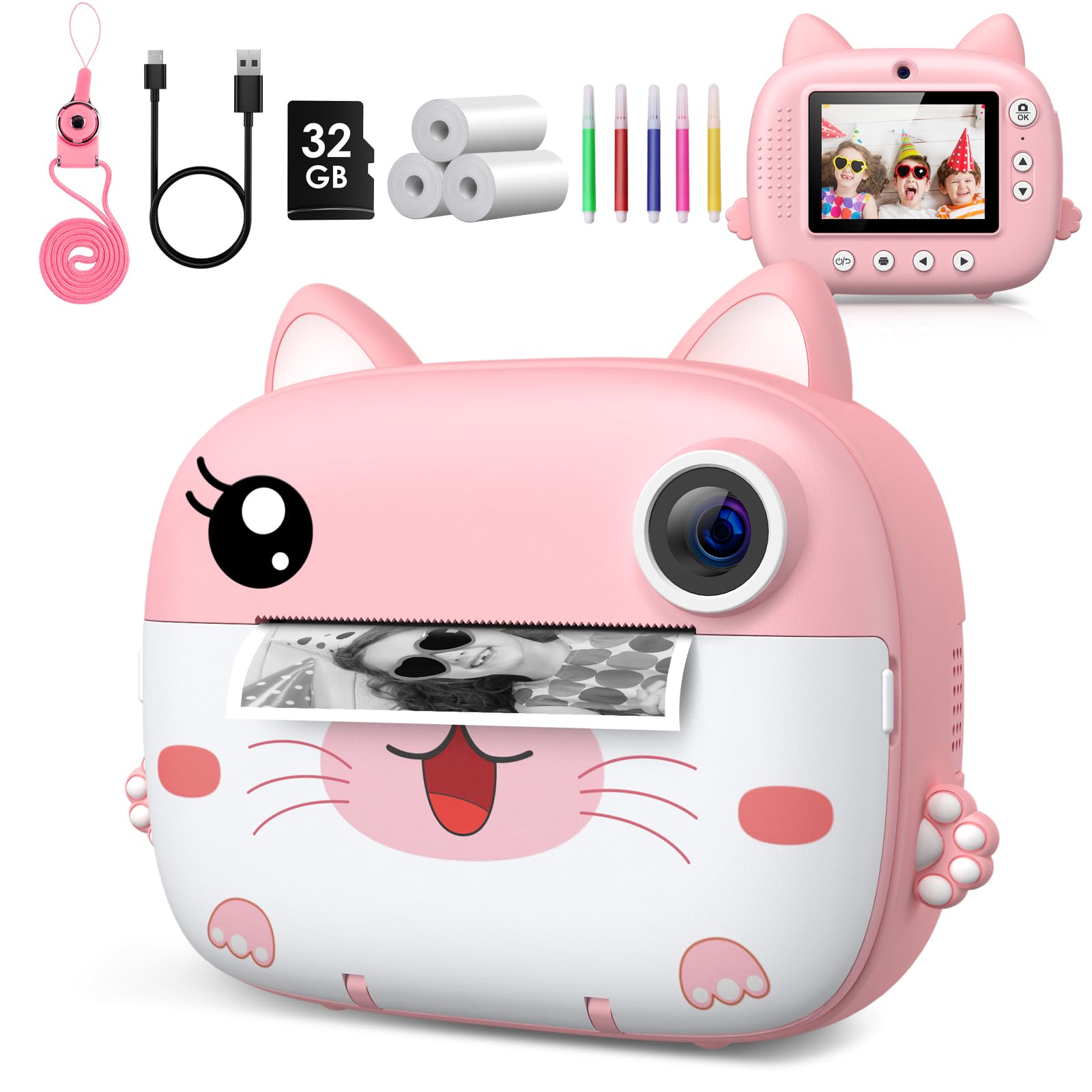
Image: The GREENKINDER Instant Camera in pink, along with its accessories including a USB-C cable, 32GB SD card, three rolls of thermal paper, and five colored pens.
3. পণ্য শেষview
ক্যামেরার উপাদানগুলির সাথে নিজেকে পরিচিত করুন:
- সামনে: Camera Lens, Instant Print Output Slot.
- পিছনে: 2.4-inch IPS Display Screen, Navigation Buttons (Up, Down, Left, Right, OK), Power Button, Photo/Video Mode Button, Menu Button.
- পক্ষ: USB Type-C Charging Port, Micro SD Card Slot, Lanyard Hole.
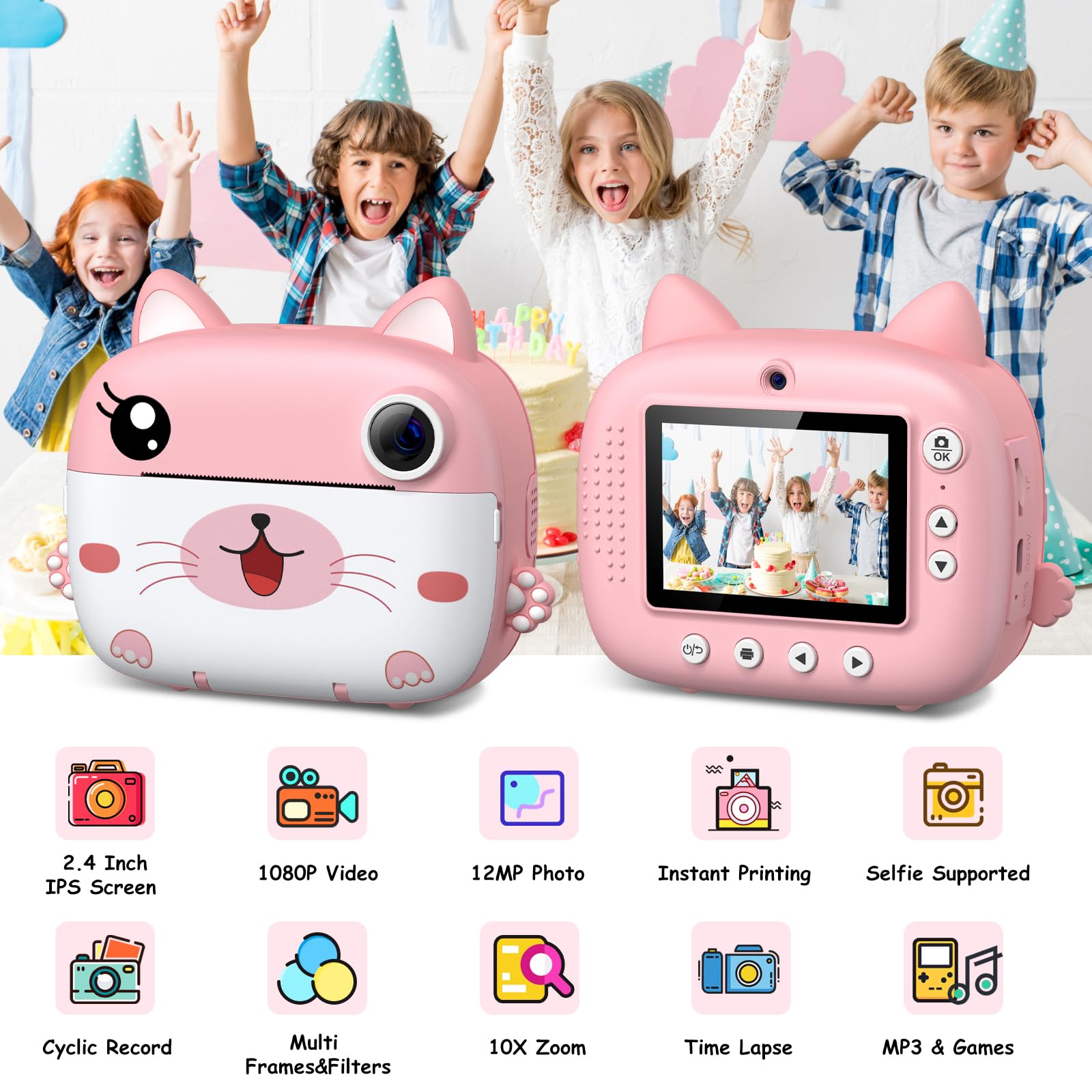
ছবি: দুই views of the camera, illustrating its 2.4-inch IPS screen, 1080P video, 12MP photo, instant printing, selfie support, cyclic record, multi-frames & filters, 10X zoom, time-lapse, and MP3 & games features.
4. সেটআপ
৫.১ ক্যামেরা চার্জ করা
Before first use, fully charge the camera. Connect the included USB Type-C cable to the camera's charging port and the other end to a USB power adapter (not included) or a computer's USB port. The charging indicator light will show the charging status.
4.2 মাইক্রো এসডি কার্ড ঢোকানো
Locate the Micro SD card slot on the side of the camera. Insert the included 32GB Micro SD card with the gold contacts facing down until it clicks into place. To remove, gently push the card in until it springs out.
4.3 Loading Printing Paper
The camera uses thermal printing paper. Follow these steps to load a new roll:
- Gently open the paper compartment cover on the front of the camera.
- Insert a new roll of thermal paper, ensuring the paper feeds from the bottom and the leading edge is straight.
- Pull a small amount of paper out of the slot.
- Close the paper compartment cover firmly until it clicks.

Image: A three-step visual guide demonstrating how to open the paper compartment, insert the thermal paper roll, and close the compartment.
5. অপারেটিং নির্দেশাবলী
5.1 পাওয়ার অন/অফ
Press and hold the Power button for a few seconds to turn the camera on or off.
৫.২ ছবি তোলা
In photo mode, frame your shot using the display screen. Press the Capture button to take a photo. The camera will instantly print the photo if the instant print function is enabled.

Image: Children celebrating a birthday, with the camera displaying a sequence of continuous shots, highlighting the camera's ability for burst photography.
5.3 ভিডিও রেকর্ডিং
Switch to video mode using the mode button. Press the Capture button to start recording. Press it again to stop recording. Videos are saved to the Micro SD card.
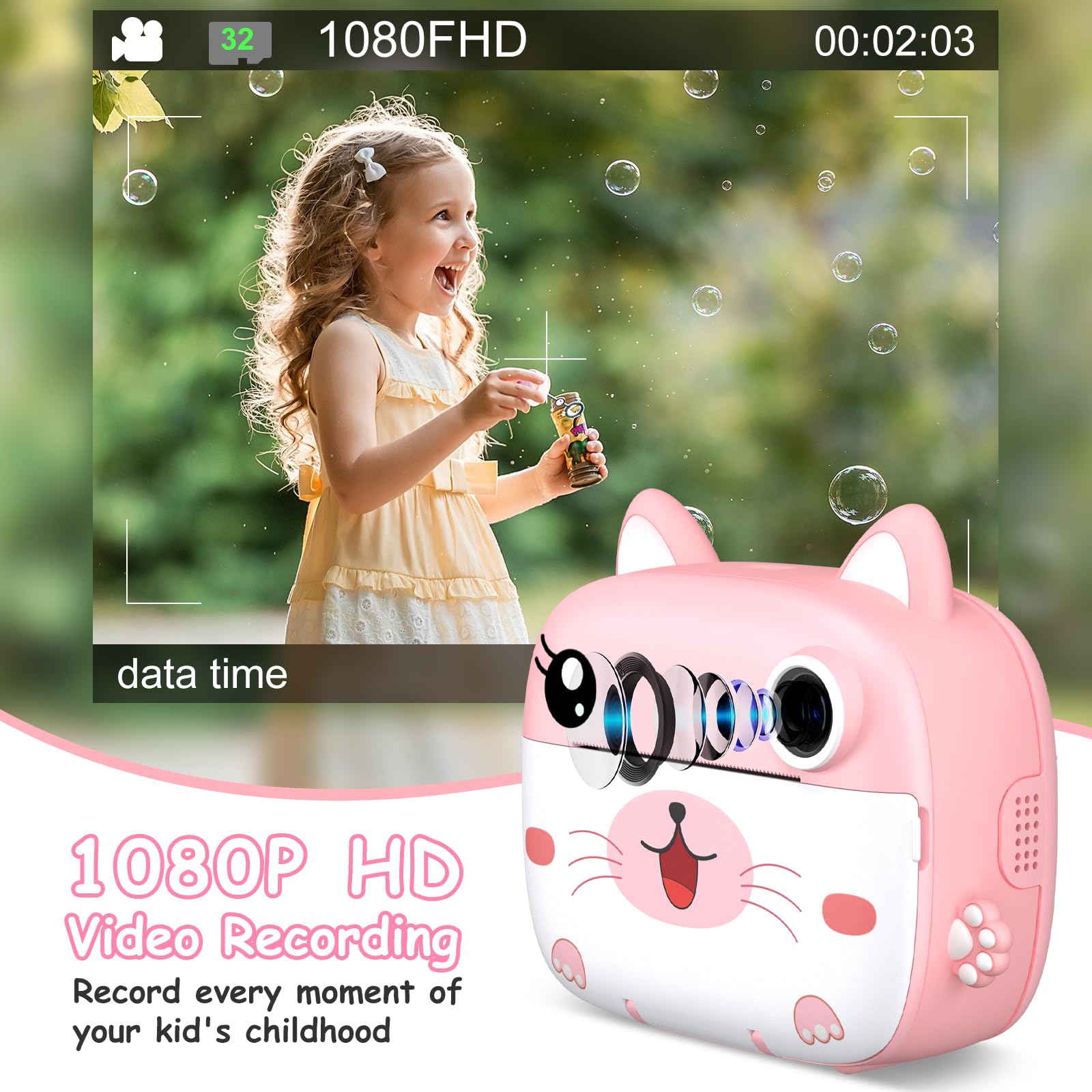
Image: A young girl happily blowing bubbles outdoors, with the camera screen showing a 1080FHD video recording interface, emphasizing its video capabilities.
5.4 Using Filters and Frames
The camera offers 11 scene filters and 20 fun frames to enhance your photos. Navigate through the menu options to select your desired filter or frame before taking a picture.
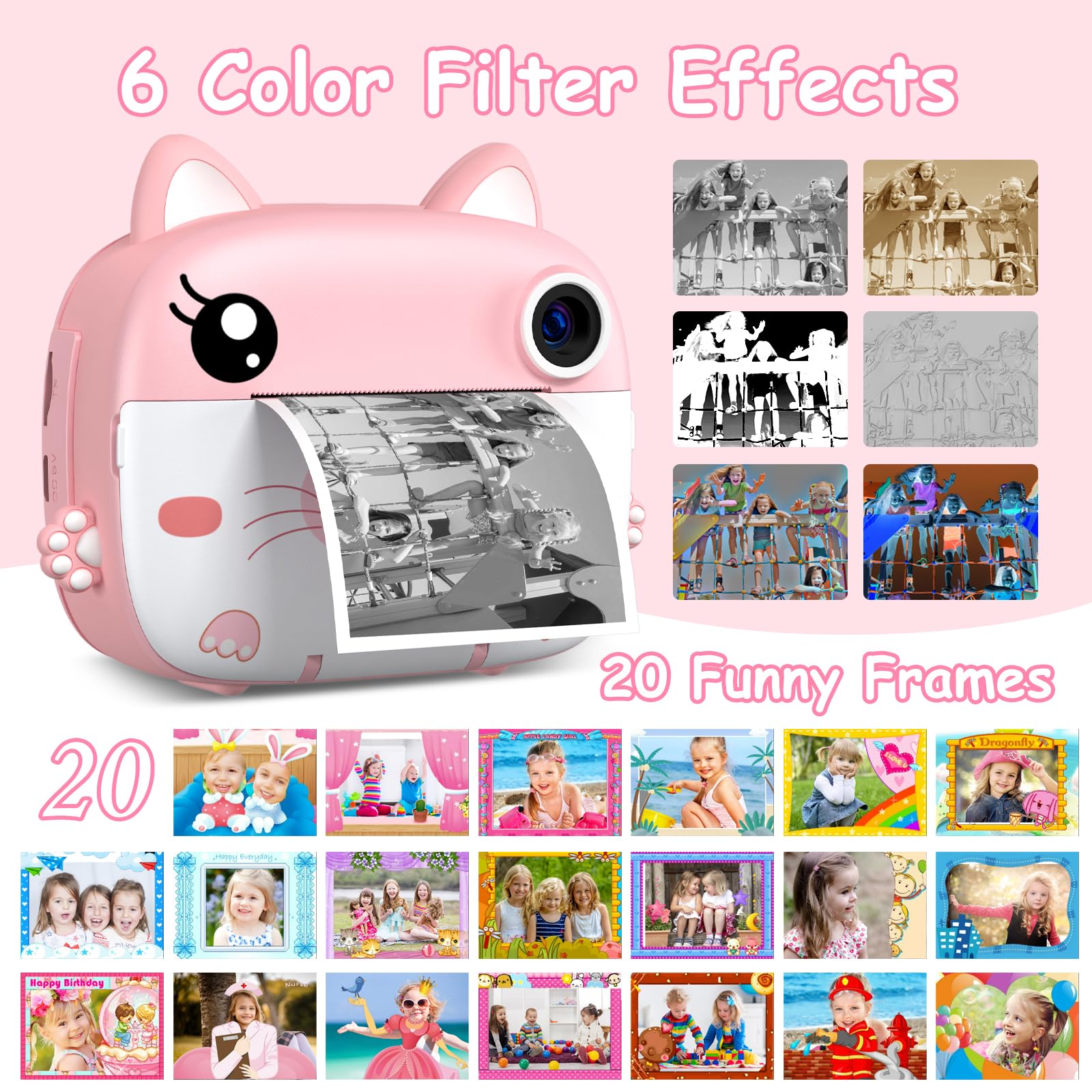
Image: The instant camera showcasing a grid of six color filter effects and twenty funny frames that can be applied to photos.
5.5 ডিজিটাল জুম
Utilize the 10x digital zoom feature to get closer to your subjects. Use the navigation buttons to adjust the zoom level.

Image: The camera's display showing a baby in a grassy field at various zoom levels, from 2X to 10X, demonstrating the digital zoom capability.
5.6 অন্তর্নির্মিত গেম
The camera includes 3 built-in puzzle games for entertainment. Access them through the main menu.
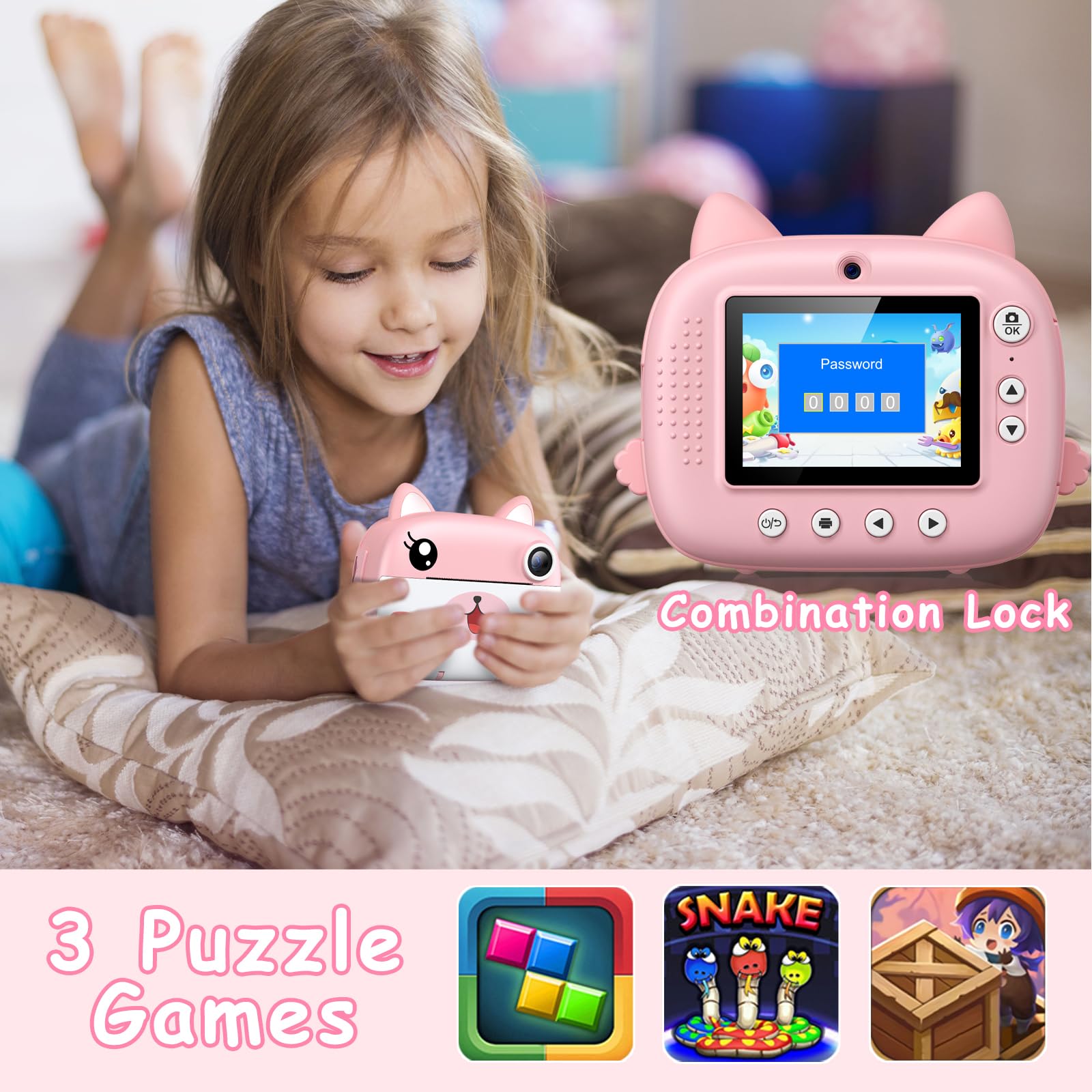
Image: A child lying on a pillow, holding the camera, which displays a password lock screen. Below are icons for three built-in puzzle games: a block puzzle, Snake, and a treasure hunt game.
5.7 DIY Coloring
After printing black and white photos, use the included colored pens to add your own creative touch and color them in.
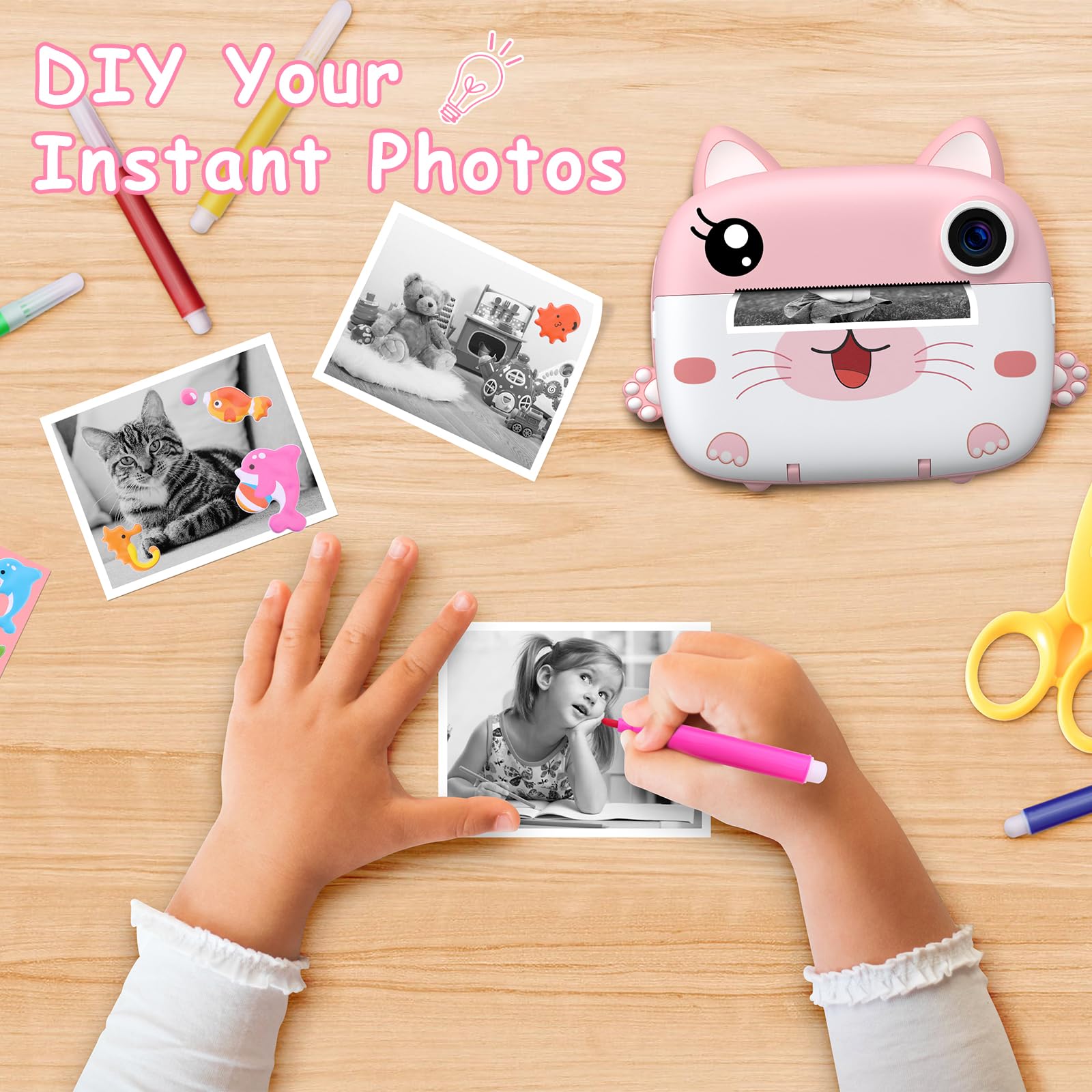
Image: A child's hands coloring a black and white instant photo with a pink pen, with other colored pens and printed photos on a wooden table, illustrating the DIY coloring feature.
6. রক্ষণাবেক্ষণ
6.1 পরিষ্কার করা
Use a soft, dry cloth to clean the camera body. For the lens and screen, use a microfiber cloth specifically designed for optics. Do not use liquid cleaners or abrasive materials.
6.2 স্টোরেজ
Store the camera in a cool, dry place away from direct sunlight and extreme temperatures. When not in use for extended periods, ensure the battery is partially charged (around 50%) to prolong its lifespan.
7. সমস্যা সমাধান
- ক্যামেরা চালু হচ্ছে না: ব্যাটারি চার্জ করা আছে কিনা তা নিশ্চিত করুন। ক্যামেরাটিকে একটি পাওয়ার সোর্সের সাথে সংযুক্ত করুন এবং আবার চেষ্টা করুন।
- নিম্নমানের মুদ্রণ: Check if the printing paper is loaded correctly. Ensure the paper is not old or damaged.
- No photos saved: মাইক্রো এসডি কার্ডটি সঠিকভাবে ঢোকানো আছে কিনা এবং পর্যাপ্ত খালি জায়গা আছে কিনা তা যাচাই করুন।
- কাগজ জ্যাম: Turn off the camera, carefully open the paper compartment, and gently remove any jammed paper. Reload the paper correctly.
- Camera frozen: If the camera becomes unresponsive, press and hold the Power button for about 10 seconds to force a restart.
8. স্পেসিফিকেশন
| ব্র্যান্ড | গ্রিনকাইন্ডার |
| মডেল | C8 |
| রঙ | Pink + White |
| পর্দার আকার | 2.4 ইঞ্চি আইপিএস |
| ছবির রেজোলিউশন | ৬৪ মেগাপিক্সেল (কার্যকর) |
| ভিডিও রেজোলিউশন | HD UHD 2.5K (1080P FHD) |
| ডিজিটাল জুম | 10x |
| ব্যাটারি | 1000 mAh Lithium-polymer (Rechargeable) |
| সংযোগ | ইউএসবি টাইপ-সি |
| স্মৃতি | Supports Micro SD Card (32GB included) |
| পণ্যের মাত্রা | 20.9 x 14.3 x 5.6 সেমি |
| ওজন | 410 গ্রাম |
9. ওয়্যারেন্টি এবং সমর্থন
For warranty information and technical support, please refer to the contact details provided with your purchase or visit the official GREENKINDER webসাইট। যেকোনো ওয়ারেন্টি দাবির জন্য আপনার ক্রয়ের প্রমাণ রাখুন।


